a practical starting point
Zero Gravity and Three Photo Effects
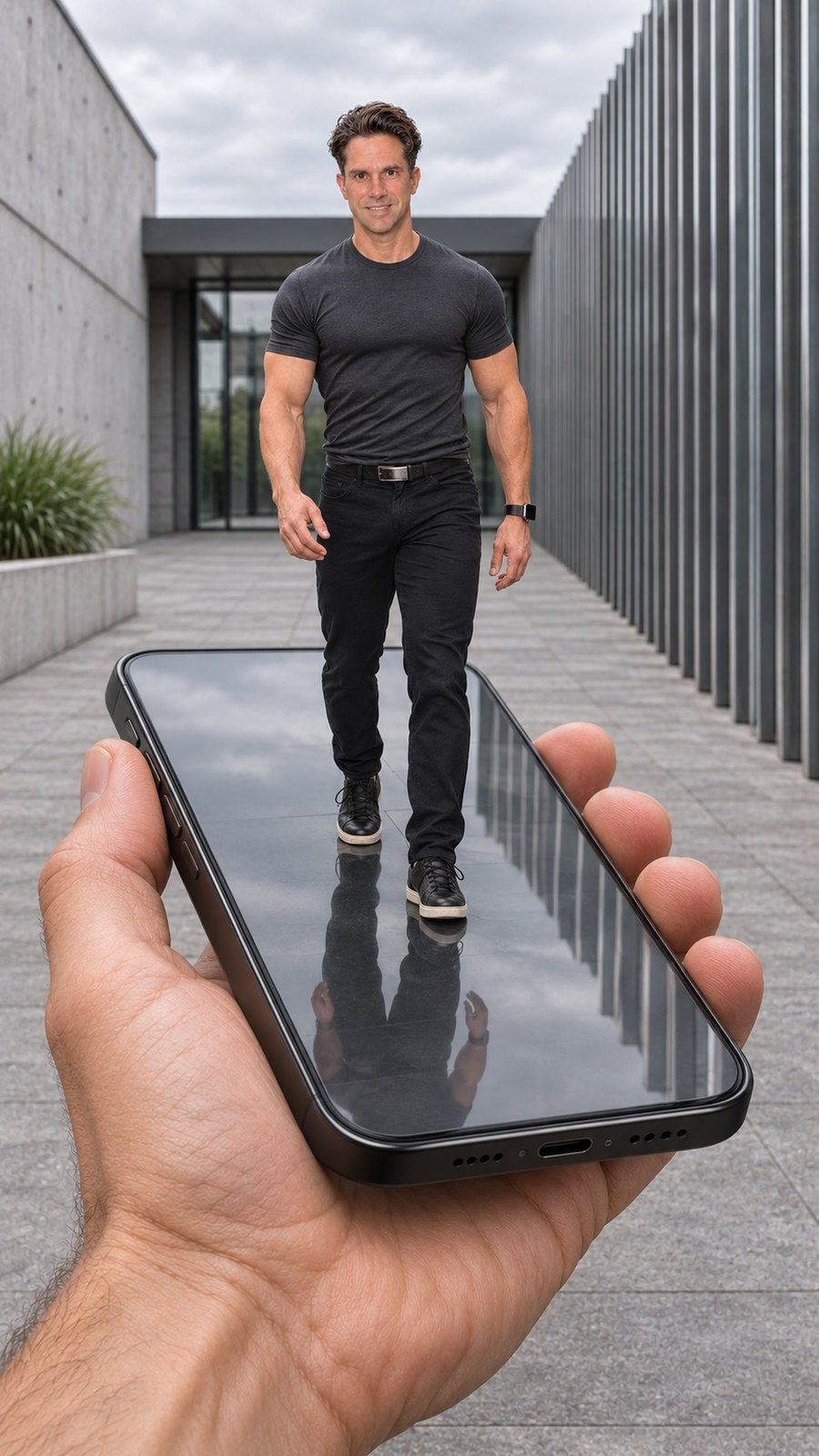
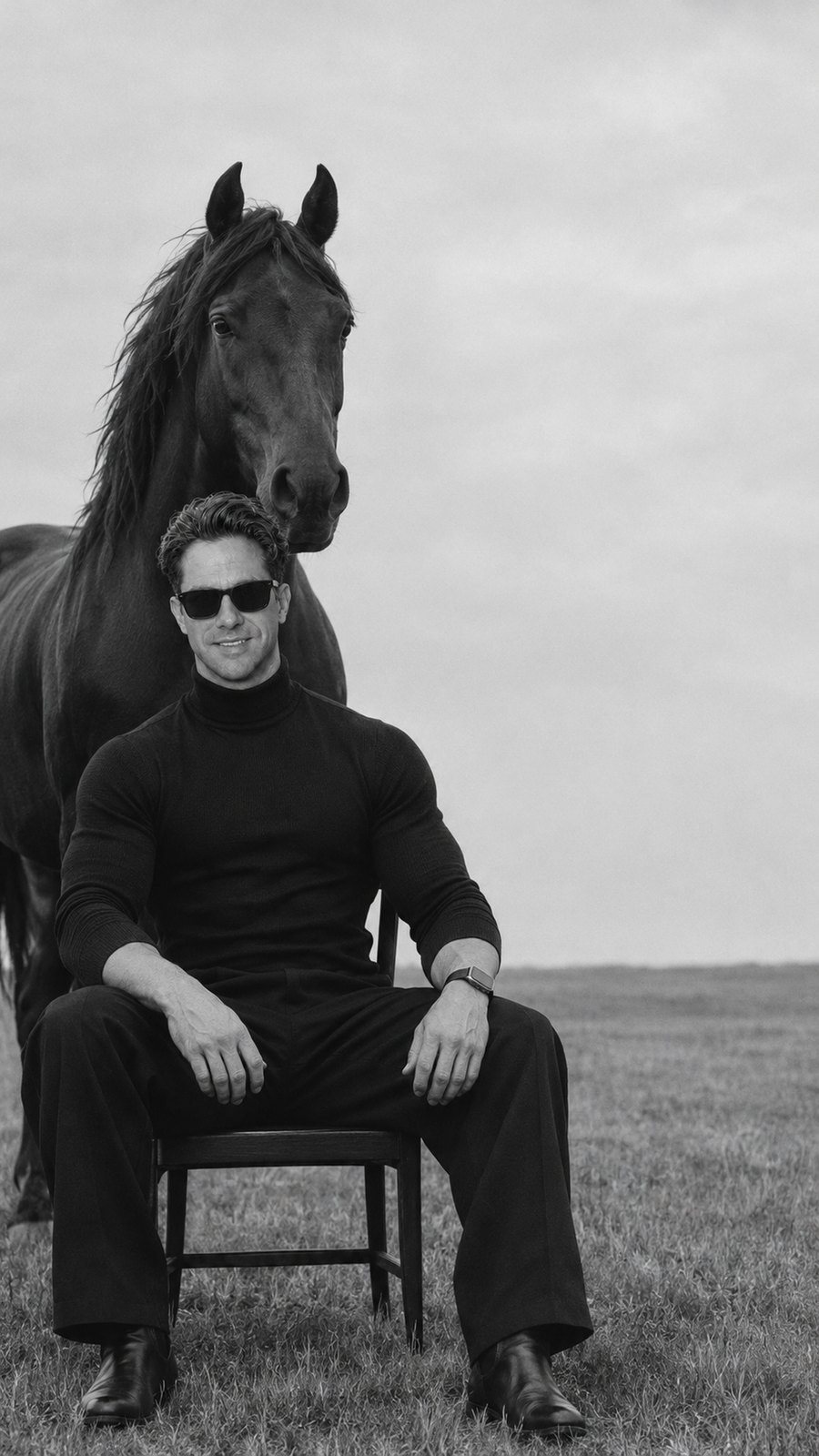
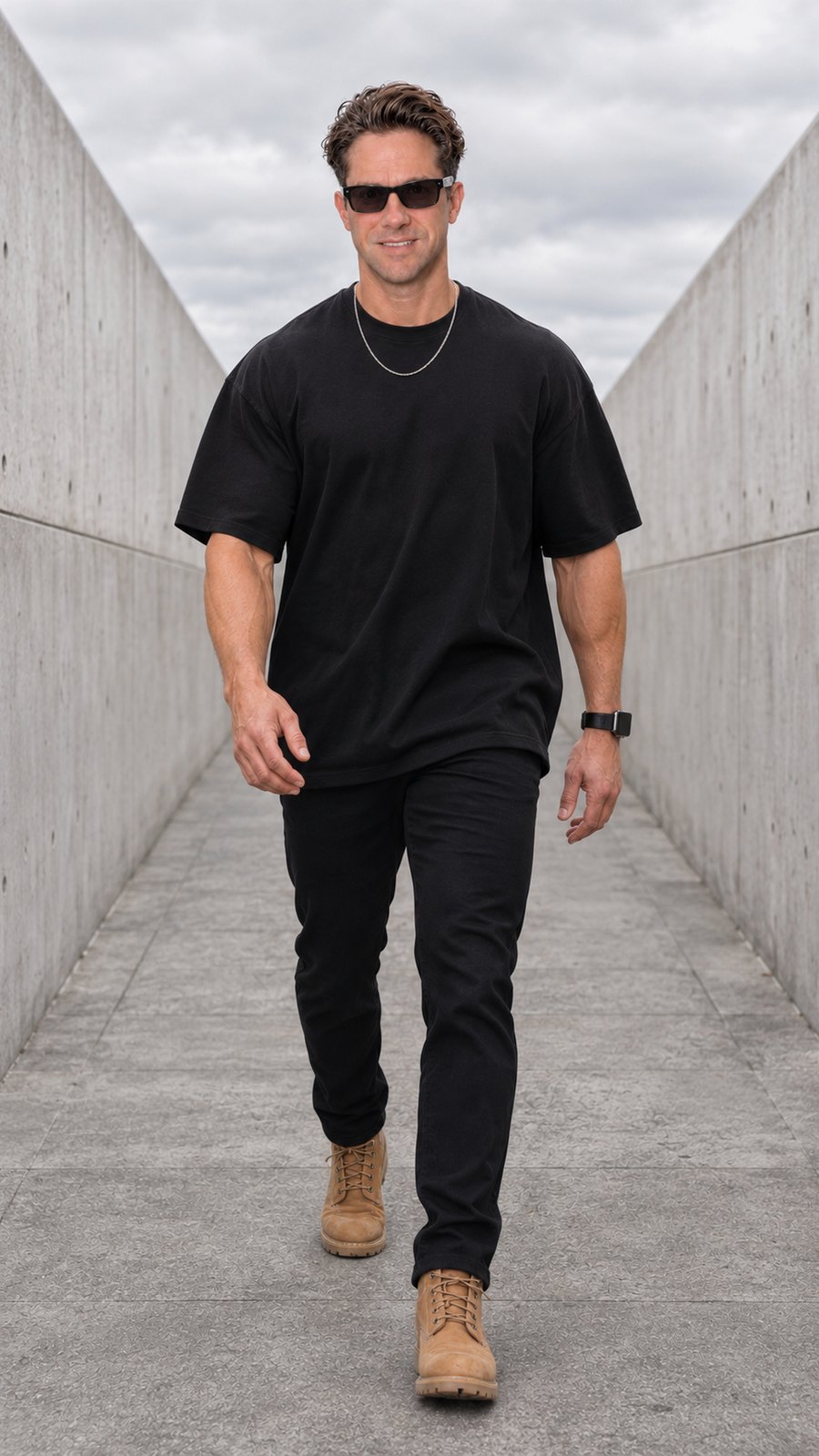
These are the four looks from the reel, in order. Each starts from the same original photo, so you can try one effect without stacking it on the last result.
See the looks
Finished examples from the reel, in the same order. Select a look title to jump to its complete prompt.
What you can make
- Make a levitating portrait, a cafe-window reflection, a doorway reveal and a fractured-photo collage.
- Reusable prompts you can adapt to your own work.
- Keep your original photo beside each result. Check the face first, then feet, shadows and any repeated faces in the fractured version.
Choose your source photo
Use one full-body photo with a clear face, complete shoes and space around your arms and legs. A cafe entrance or street scene is useful; the prompt can rebuild that setting around your subject.
Open an image-editing tool
Use an image-editing interface that accepts photo uploads and a written instruction, such as OpenAI Images. Attach your source photo and paste the complete prompt below. The short slash labels in the reel name the looks; they are not required commands. For each new effect, start again from the original upload.
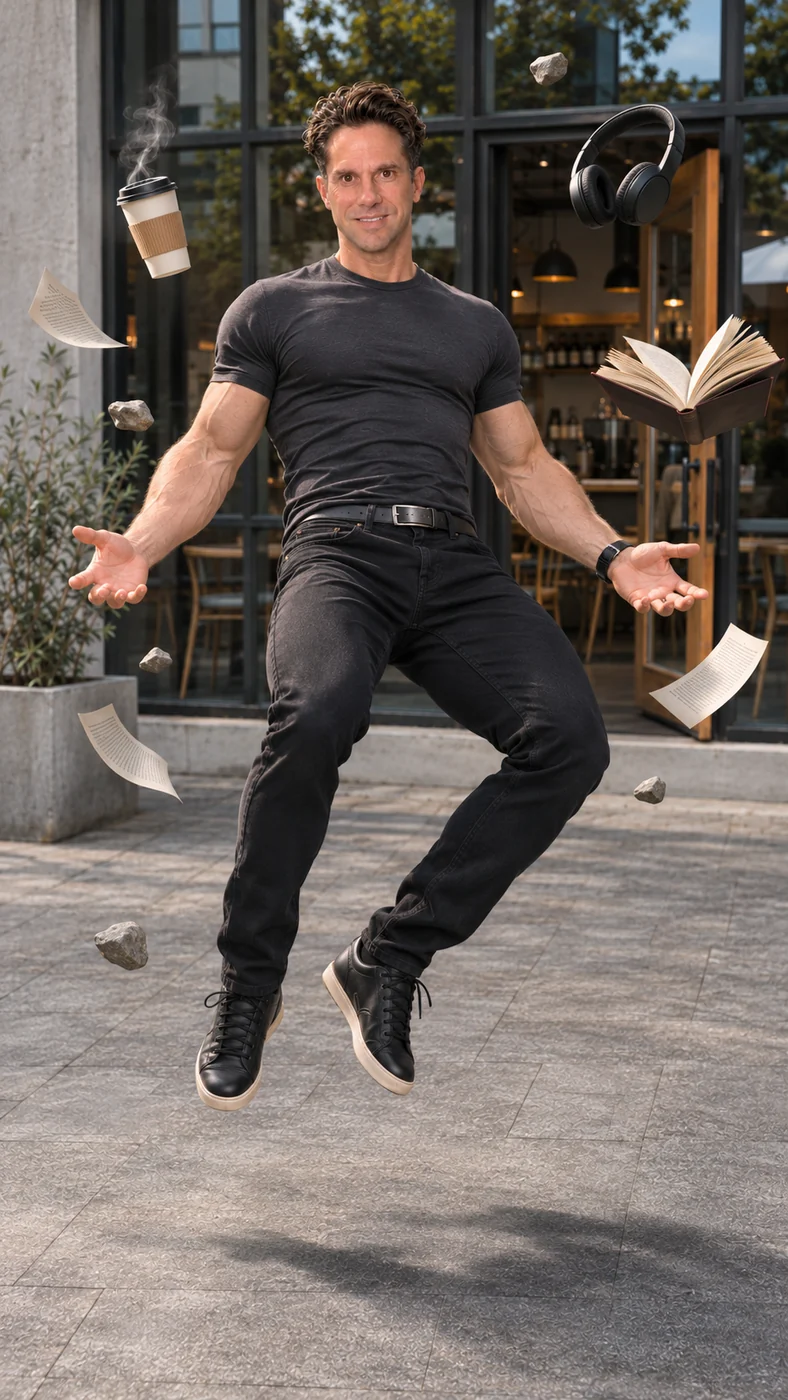
Lift the subject off the pavement
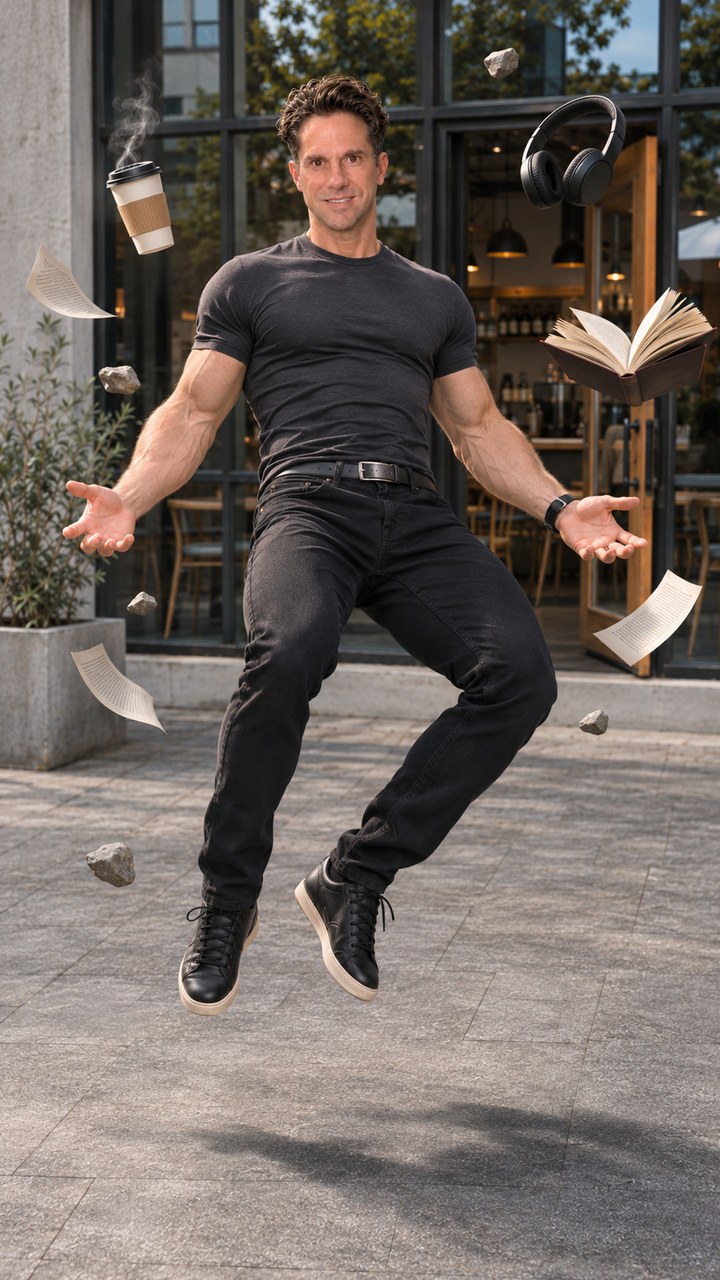
Start from the original photo. Look for a visible gap beneath both shoes and floating objects that leave the face clear.
Edit my uploaded full-body photograph into a believable zero-gravity scene outside a modern cafe. Preserve the person's recognizable face, age, skin tone, hairstyle, hairline, body proportions, outfit and accessories. Show the person gently levitating, with both shoes clearly above the pavement, knees slightly bent and torso naturally reclined. Float a takeaway coffee cup, an open book, loose pages, headphones and a few small stones at different heights around them. Space the objects away from the face and keep the torso unobstructed. Show one coherent person with two arms, two legs and separate feet. Keep a nearly frontal, recognizable face and full-body eye-level view. Include cafe glass, warm interior lights and stone paving. Match realistic daylight and subtle contact-free shadows below the floating subject and objects. Preserve natural skin texture, fabric weave and restrained photographic grain. Vertical 9:16, whole head and shoes visible. No text, logos or watermark.
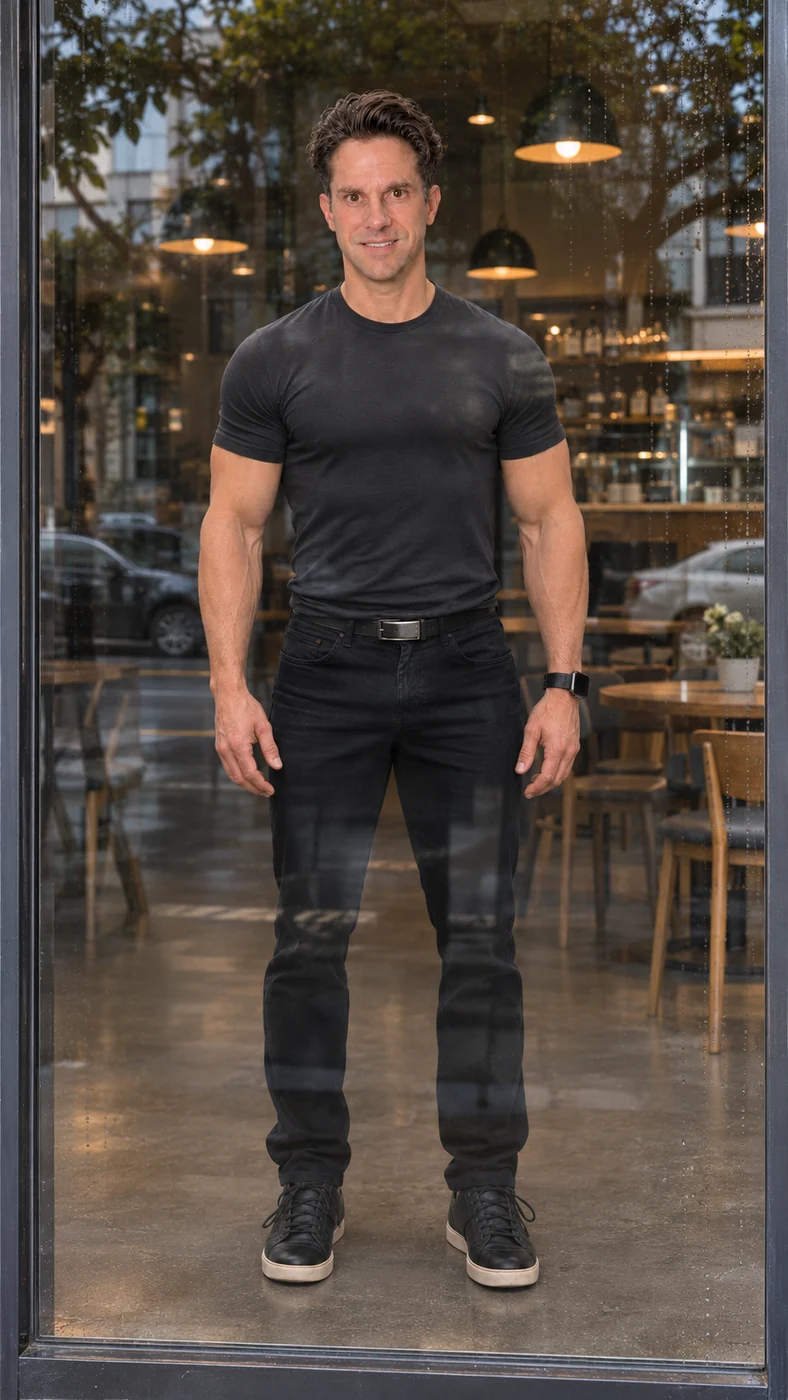
Layer reflections over the scene
Upload the original again. Reflections should be stronger near the edges and faint across the face.
Edit my original uploaded photo to look as though the person was photographed through a cafe window. Preserve their exact face shape, age, eyes, nose, jaw, hairline, hairstyle, skin tone, build, pose, outfit and accessories. Place the person immediately behind a clear glass pane. Layer soft reflections of street trees, parked cars and warm pendant lights across the foreground. Include visible window edges and a few fine raindrops to establish the glass surface. Keep the reflections faint over the person's face and stronger near the picture edges and lower body, so both eyes and the nose remain clear. Use a full-length eye-level composition with the same pose as the original. Keep head, hands and shoes inside the frame. Match the lighting and perspective of the cafe interior and reflected street, with natural skin detail and realistic transparent glass. Vertical 9:16. No captions, logos or watermark.
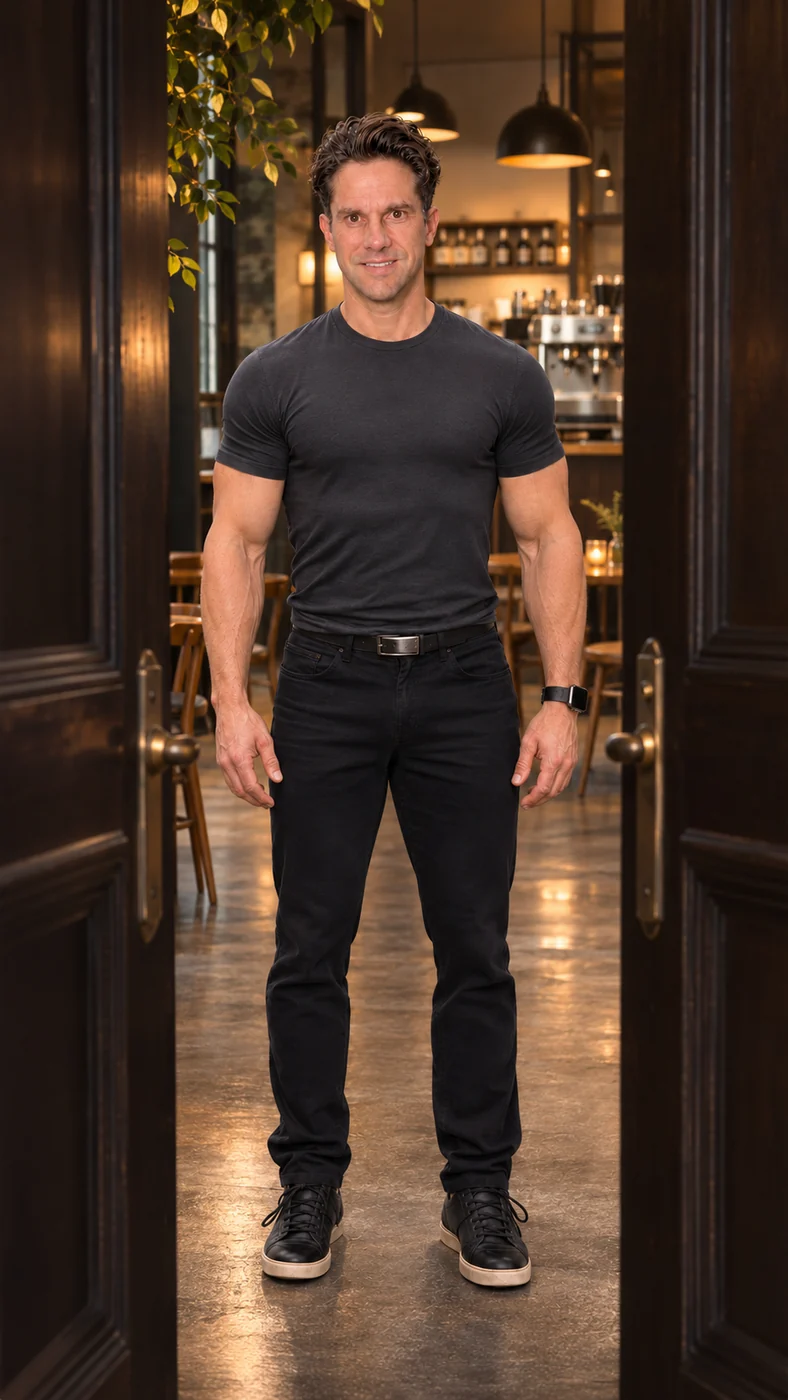
Frame the subject in a doorway
Begin with the original photo. Keep the door opening wide enough to reveal the entire face and shoulders.
Edit my uploaded photograph into a cinematic portrait seen through a partly open dark wooden doorway. Preserve the person's recognizable facial geometry, age, skin tone, hairstyle, hairline, physique, existing outfit and accessories. Place the person inside a warmly illuminated cafe, visible through a narrow vertical opening between two dark foreground door leaves. Show their full-length stance through the opening. Make the gap wide enough for their entire face, both eyes and natural shoulder width; do not cut across the face or squeeze the body. Keep the dark doors as atmospheric framing on both sides and warm interior light behind the subject. Use an eye-level camera and coherent door perspective. Retain natural skin texture, realistic fabric and believable hands and limbs. Match warm interior illumination with subtle soft light across the face. Vertical 9:16 composition with the complete head and shoes visible. No text, logos or watermark.
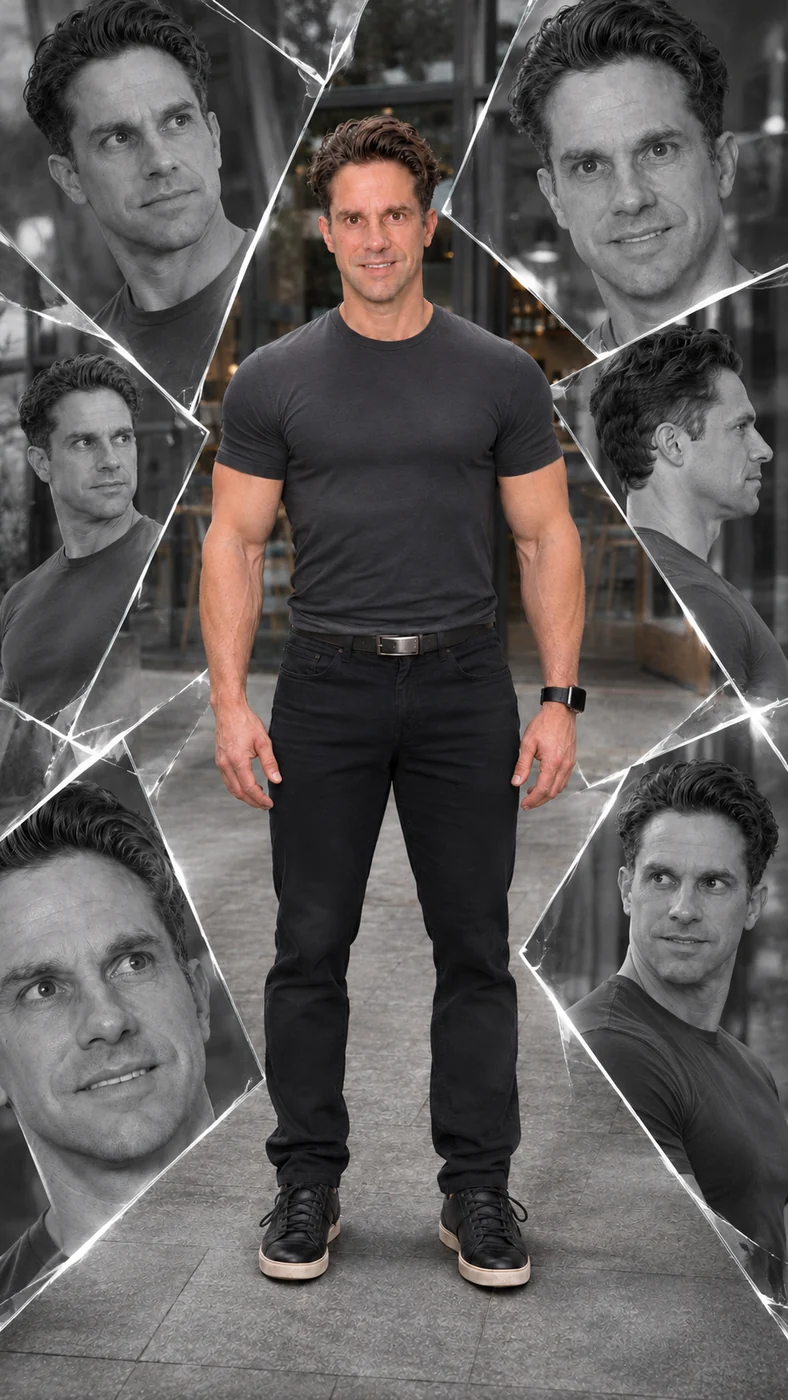
Build the monochrome fragments
Use the original again. Keep the central figure intact; only the surrounding photo breaks into repeated reflections.
Edit my uploaded full-body photograph into a fractured photographic collage. Preserve the central person's face, eyes, nose, jaw, age, skin tone, hairstyle, hairline, body proportions, outfit and accessories exactly enough to remain recognizable. Keep one intact full-color person in the center. Break the surrounding photograph into large angular, overlapping shards, with crisp white glass-like seams. Within those surrounding triangular fragments, repeat monochrome reflections of the same person's face and upper body. Every repeated face must retain the same facial geometry, age and hairstyle as the central subject. Keep the central face and body opaque, natural and unobstructed. Use a centered full-length composition, coherent limbs and clear facial visibility. Match photographic lighting, skin texture and fabric detail across the color center and black-and-white fragments. These are intentional repeated photographic reflections around one intact subject. Vertical 9:16, whole head and shoes visible. No captions, logos or watermark.
Review and save your result
Compare the result with your original photo. Check facial proportions, age, hands and the full frame. If something drifts, upload the original again and ask for that specific correction before saving your preferred version.
Make it your own
Keep your original photo beside each result. Check the face first, then feet, shadows and any repeated faces in the fractured version.