a practical starting point
Top of the Phone: 4 Photo Effects
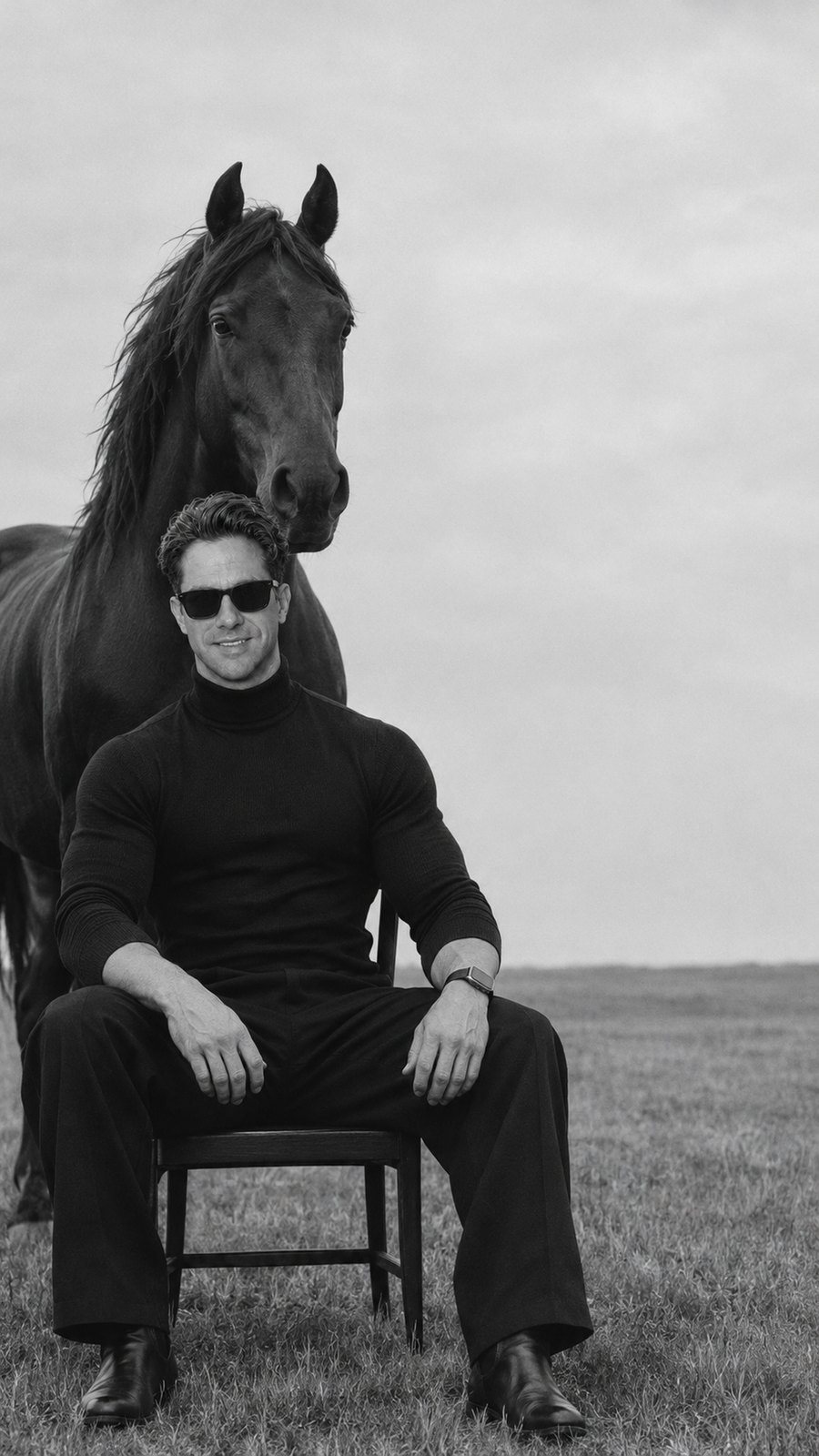
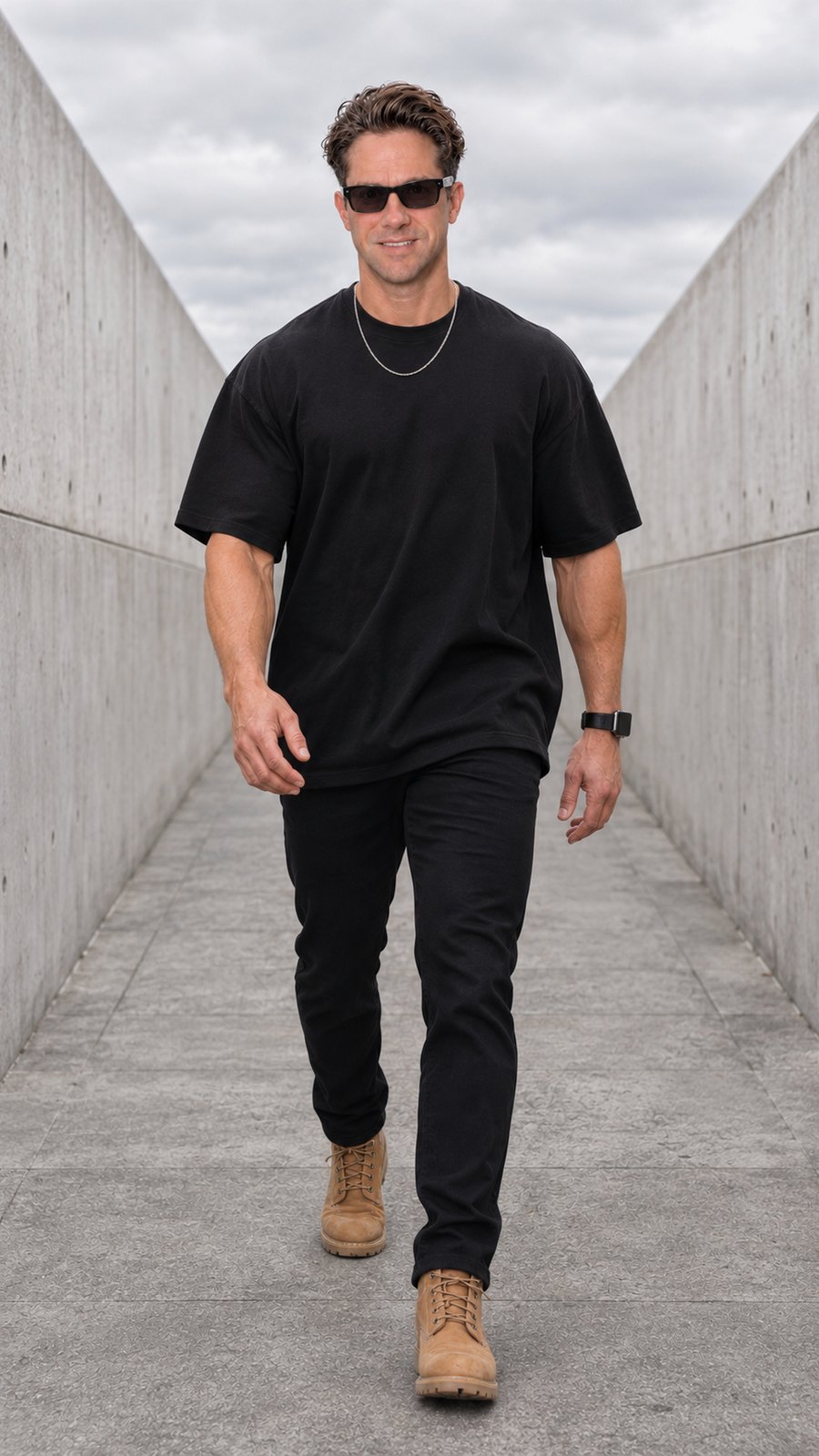
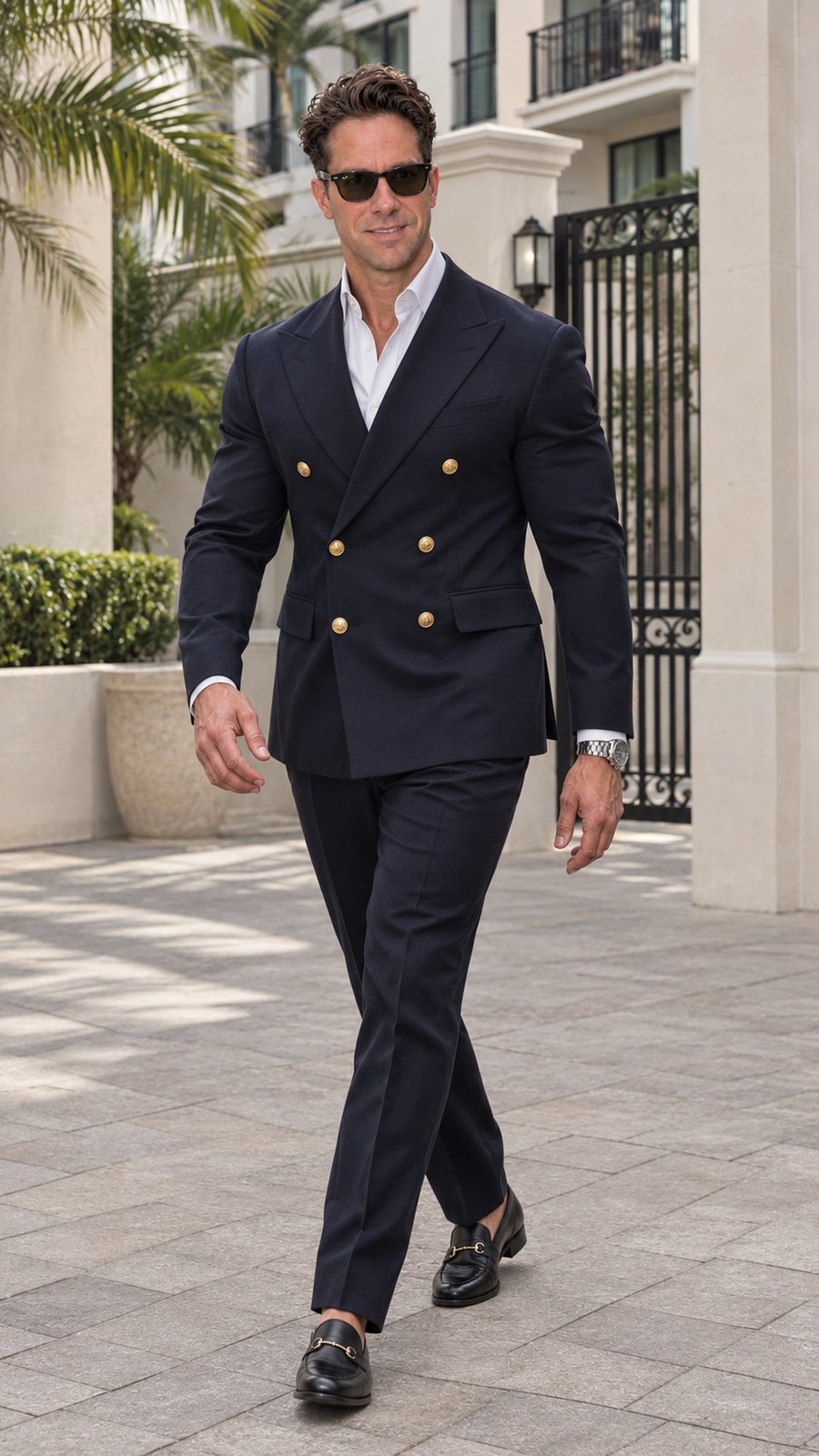
These are the four looks from my phone reel, in the same order. Start with one full-body photo and use the complete prompts below to try them on yourself.
See the looks
Results appear in reel order. Each gallery title links to its matching full prompt. The short slash phrases in the reel name the effects; use the complete prompts below.
What you can make
- Put yourself on a phone screen, change the camera angle, then make a three-pose clone scene.
- Reusable prompts you can adapt to your own work.
- Keep your own outfit and location for a connected set. Compare the face, shoe count and shadows before saving. The short slash labels in the reel name the effects; paste the full prompt here to describe the image you want.
Choose and upload your source photos
Open an image editor that accepts reference photos and choose its image-editing mode. Upload one sharp, full-body photo with your face visible, your whole head and both shoes in frame, and space around your body. A simple courtyard or street background makes the angle changes easier to compare. Use this original photo again for each effect.
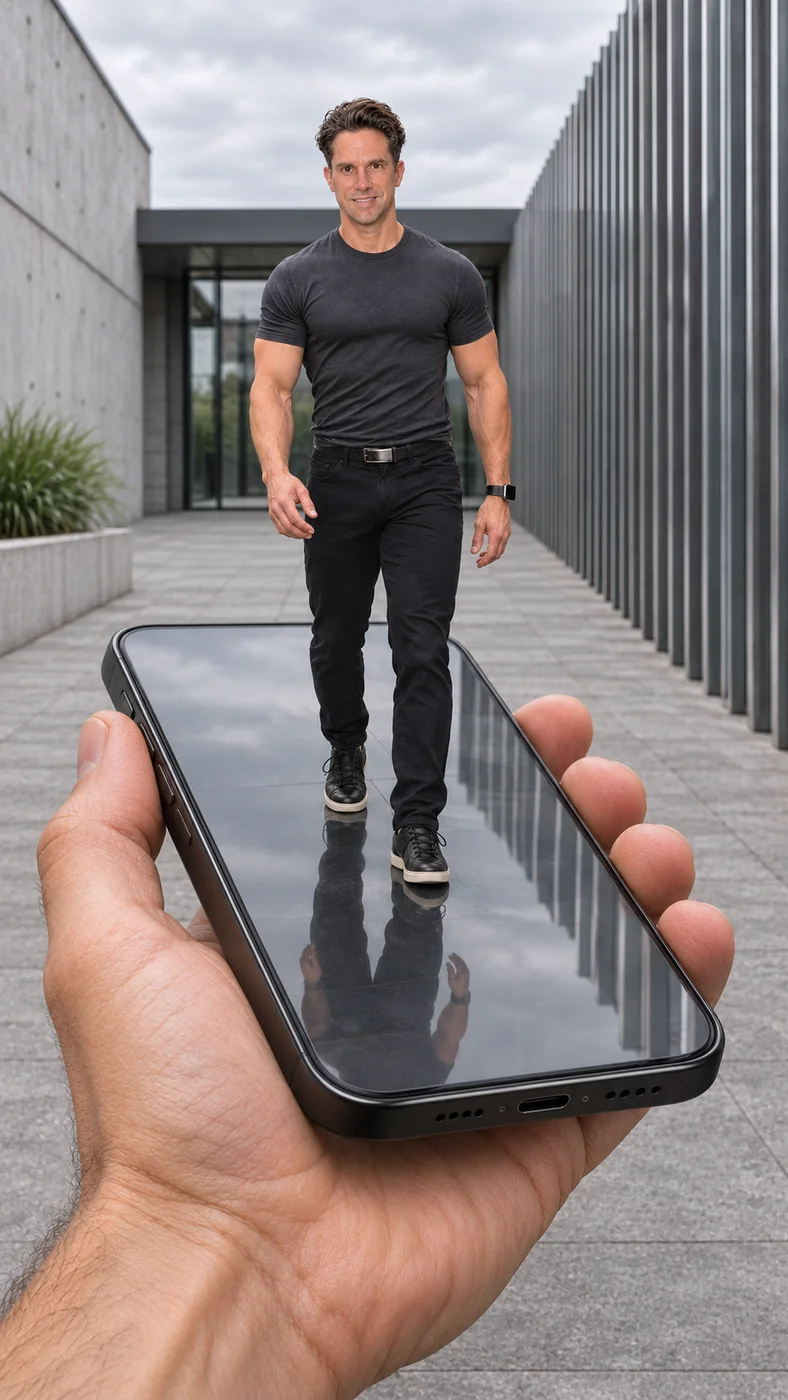
Phone-screen illusion
Paste the complete prompt below with your source photos attached. Generate one image, then compare the face and framing with the example before moving on.
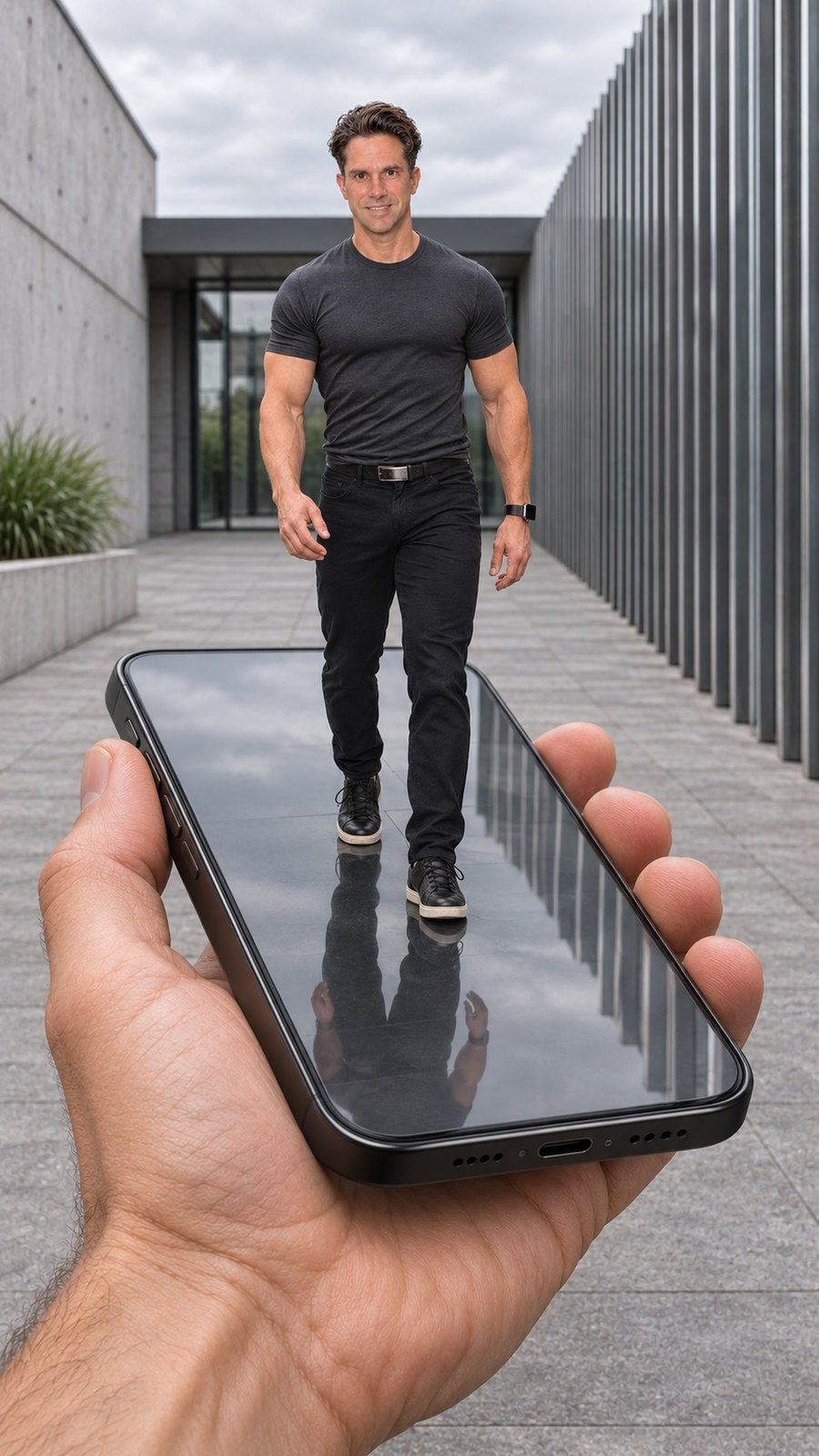
Use the person in the uploaded photo as the identity reference. Preserve their facial geometry, age, hairline, skin tone and natural body proportions. Keep natural skin texture and realistic anatomy; do not substitute a different face or idealize their body. Using the uploaded portrait, place exactly one miniature, full-body version of the person standing on the glass screen of a black smartphone held in a human hand. Preserve their outfit, hair and shoes. The phone is large in the foreground and tilted diagonally toward the viewer. Keep the entire miniature figure readable above the screen. Continue the location from the source photo behind the phone. Use soft natural daylight, believable scale, realistic glass reflections, subtle grain and clear depth between the hand, phone and background. Make one photorealistic vertical 9:16 image. Keep hands and limbs plausible, lighting coherent and clothing textures believable. No added captions, watermarks or logos.
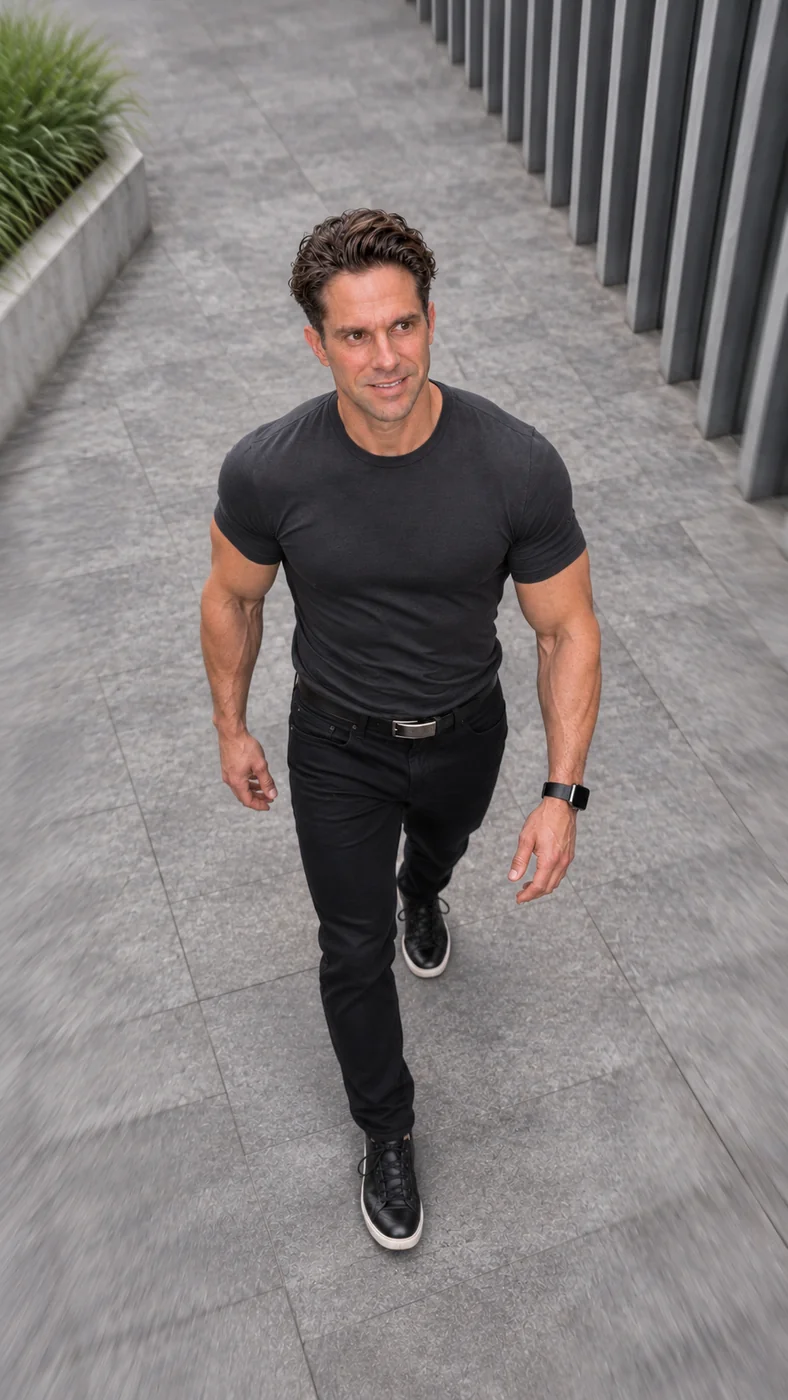
Bird’s-eye view with motion blur
Paste the complete prompt below with your source photos attached. Generate one image, then compare the face and framing with the example before moving on.
Use the person in the uploaded photo as the identity reference. Preserve their facial geometry, age, hairline, skin tone and natural body proportions. Keep natural skin texture and realistic anatomy; do not substitute a different face or idealize their body. Create a bird’s-eye fashion portrait derived from the uploaded full-body photo. Preserve the same outfit, shoes and location. Place the camera high above the person looking down at approximately 55 degrees as they stride forward and glance slightly sideways. Show their complete figure and both shoes, with generous pavement around them. Keep their face sharply readable. Add gentle directional motion blur toward the edges while leaving the person clear. Use soft overcast daylight and architectural continuity with the original. Make one photorealistic vertical 9:16 image. Keep hands and limbs plausible, lighting coherent and clothing textures believable. No added captions, watermarks or logos.
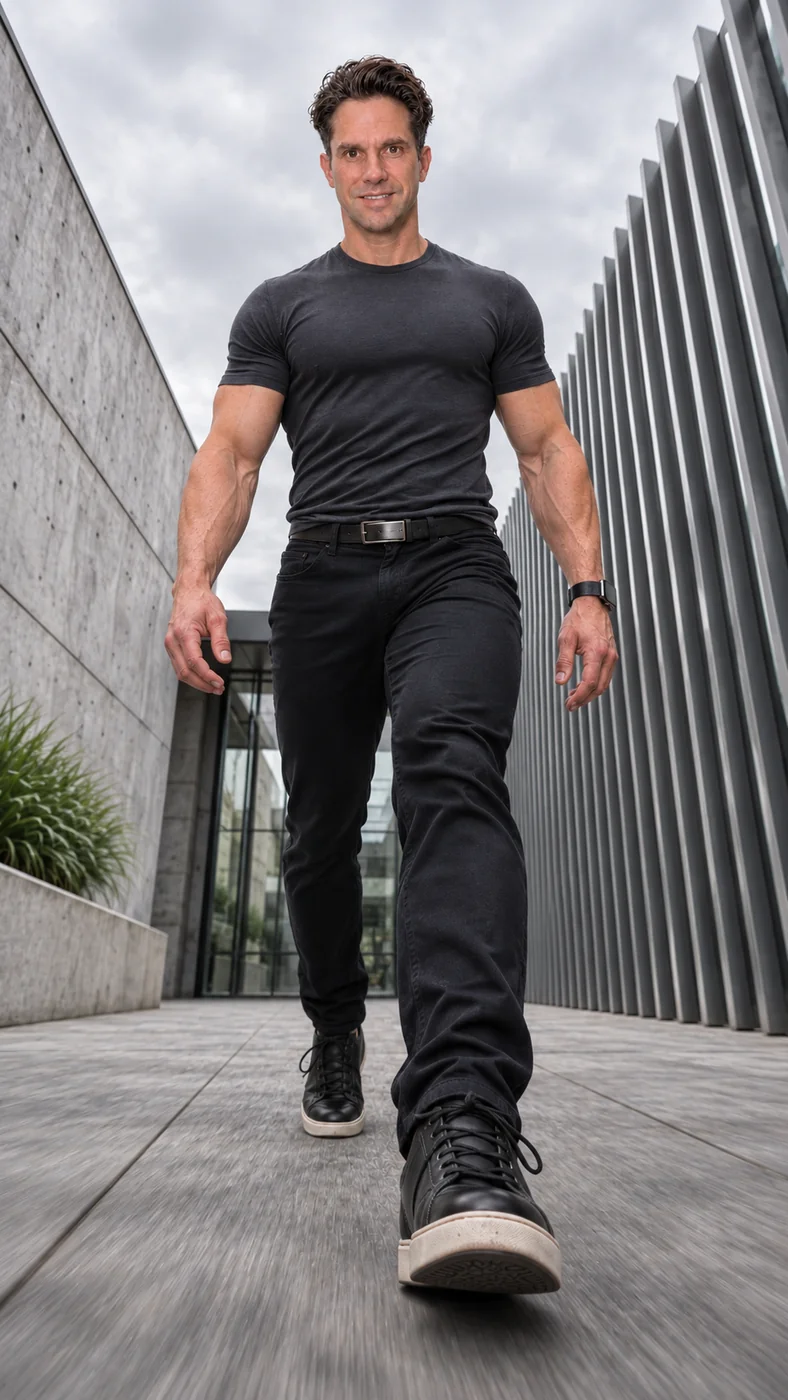
Ground-level fashion portrait
Paste the complete prompt below with your source photos attached. Generate one image, then compare the face and framing with the example before moving on.
Use the person in the uploaded photo as the identity reference. Preserve their facial geometry, age, hairline, skin tone and natural body proportions. Keep natural skin texture and realistic anatomy; do not substitute a different face or idealize their body. Create a dramatic ground-level fashion portrait derived from the uploaded photo. Preserve the same outfit, shoes and location. Place a wide-angle camera near paving level looking upward as the person strides forward with relaxed arms. Show their full head and both shoes, with the leading sneaker closer to the camera and the architecture towering behind. Keep their face recognizable and walking anatomy believable. Use soft overcast daylight and gentle foreground motion blur, with clear facial detail. Make one photorealistic vertical 9:16 image. Keep hands and limbs plausible, lighting coherent and clothing textures believable. No added captions, watermarks or logos.
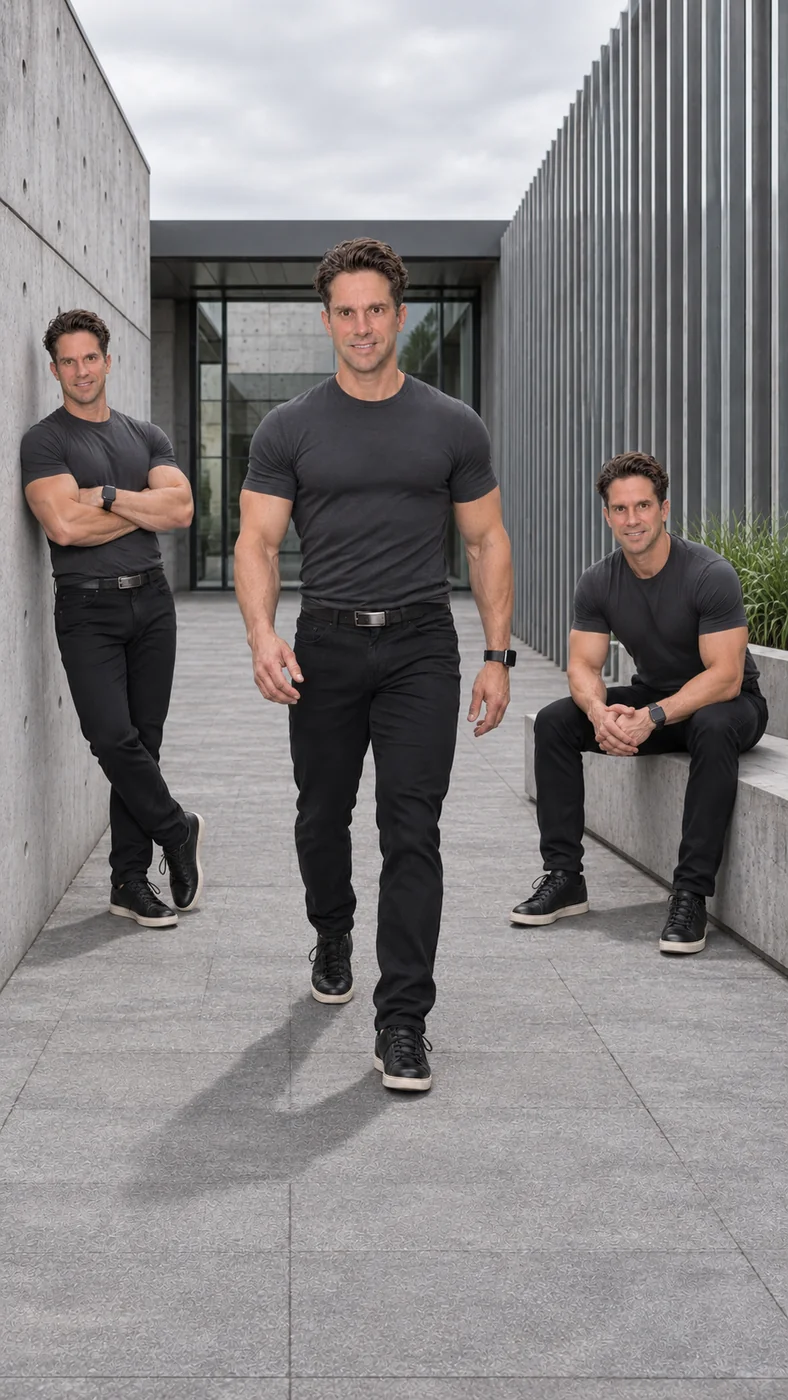
Three-pose clone scene
Paste the complete prompt below with your source photos attached. Generate one image, then compare the face and framing with the example before moving on.
Use the person in the uploaded photo as the identity reference. Preserve their facial geometry, age, hairline, skin tone and natural body proportions. Keep natural skin texture and realistic anatomy; do not substitute a different face or idealize their body. Create one continuous eye-level wide fashion photograph containing exactly three instances of the person from the uploaded photo. All three share the same identity, outfit, shoes and body proportions. Use one architectural courtyard with a left wall, a central walkway and a low concrete bench on the right. One instance leans against the left wall with folded arms, one walks in the middle foreground, and one sits on the right bench. Keep all three bodies distinct and fully visible. Use soft overcast daylight, coherent shadows and subtle photographic grain. No additional people or merged bodies. Make one photorealistic vertical 9:16 image. Keep hands and limbs plausible, lighting coherent and clothing textures believable. No added captions, watermarks or logos.
Check and save your results
View the image at full size. Compare the face and body proportions with your source photo, then check hands, shoes, reflections and outfit continuity. Ask for a targeted correction if needed. Save the image you like before trying the next variation.
Make it your own
Keep your own outfit and location for a connected set. Compare the face, shoe count and shadows before saving. The short slash labels in the reel name the effects; paste the full prompt here to describe the image you want.